Intro
Under $100 in late 2026, gaming keyboards finally bundle wireless tri-mode, aluminum tops, or dedicated macros without a $180 tax. This guide is the gaming-focused shortlist — different picks from our office/mechanical guide.
Filed under SpecRel Laptops as a Computer accessory guide. Specs from manufacturer pages and Amazon listings (AULA, Logitech G, Redragon, Corsair).
What matters for gaming under $100
- Latency path — wired USB or 2.4 GHz beats Bluetooth for competitive play.
- NKRO / anti-ghosting — critical inputs must register together.
- Layout — TKL / 75% frees mouse space; full-size keeps macros + numpad.
- Switches — true mechanical vs membrane (K55) — pick knowingly.
- Software — onboard lighting is fine; avoid spyware-y USB “drivers.”
Spec table
| Model | Type | Layout | Connection | Approx. street |
|---|---|---|---|---|
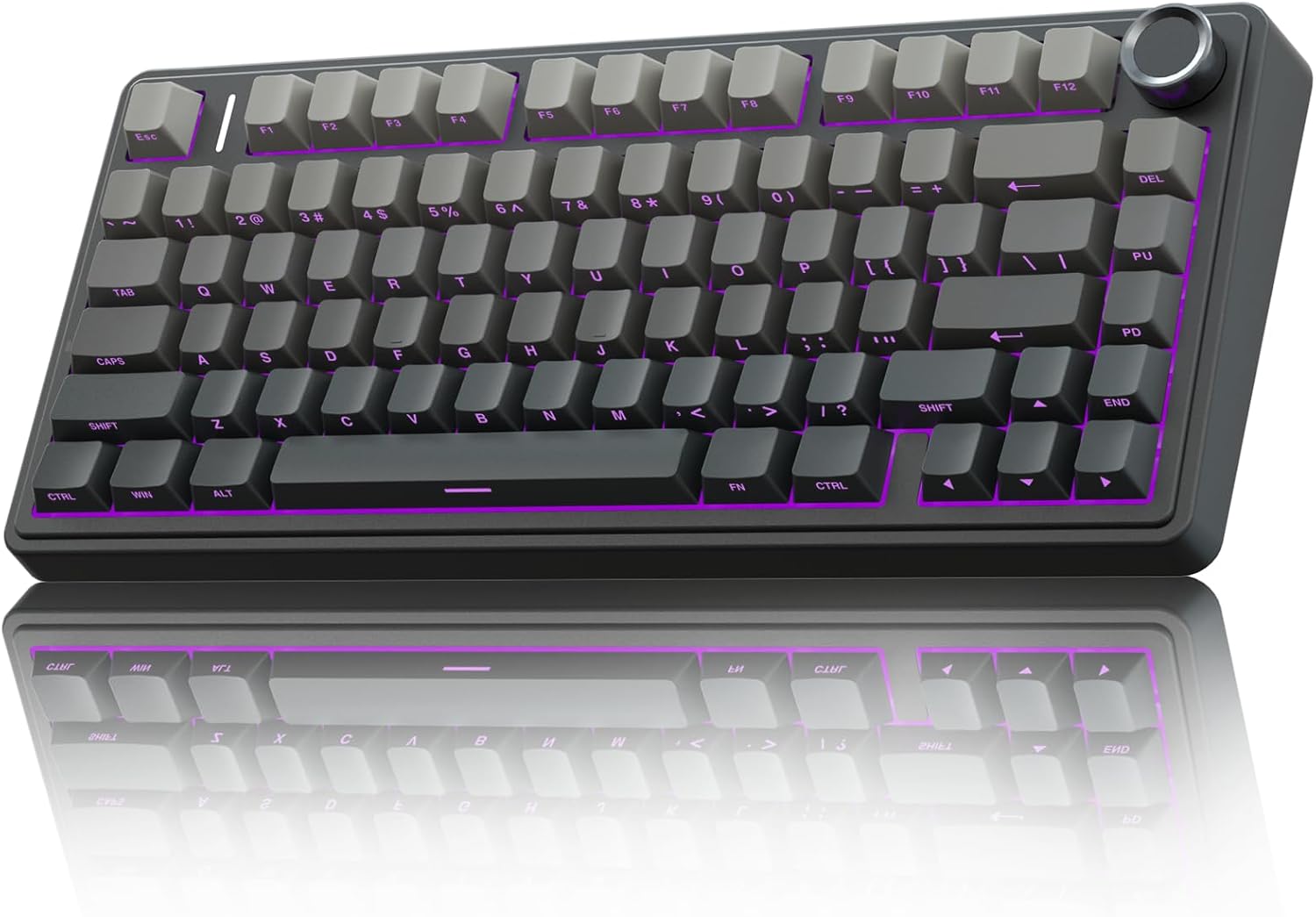
| AULA F75 Pro | Mechanical, hot-swap | 75% + knob | Tri-mode (2.4 / BT / USB-C) | ~$69 |
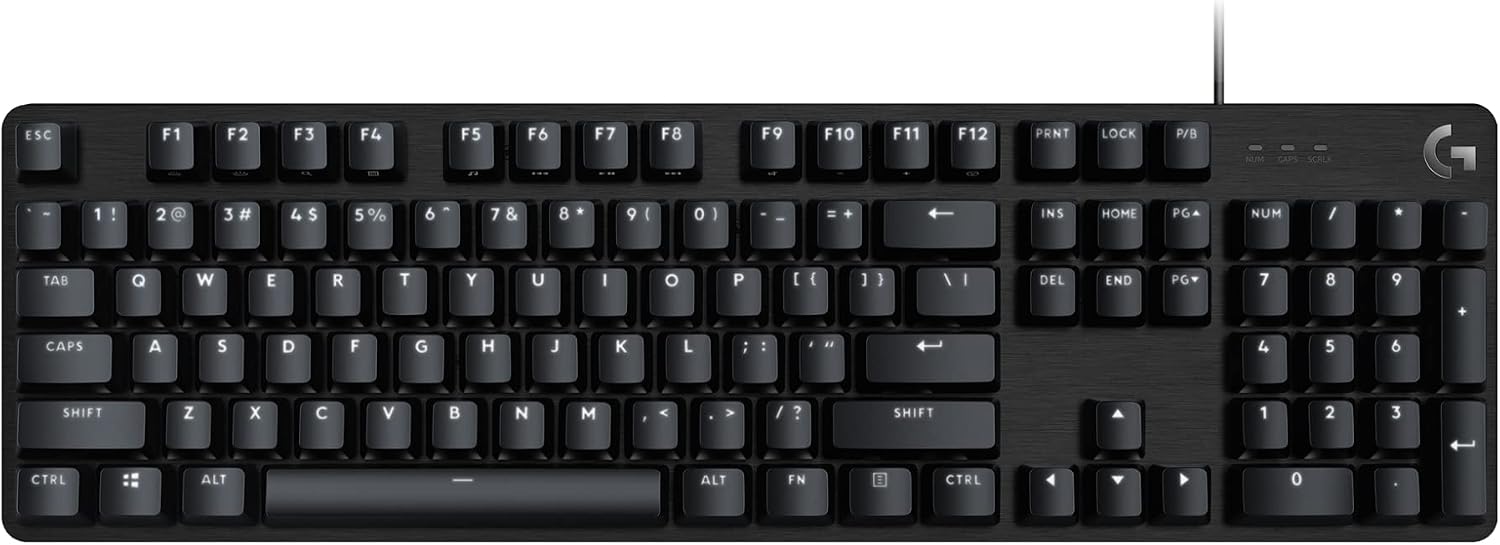
| Logitech G413 SE | Mechanical tactile | Full-size | Wired USB | ~$45–$70 |
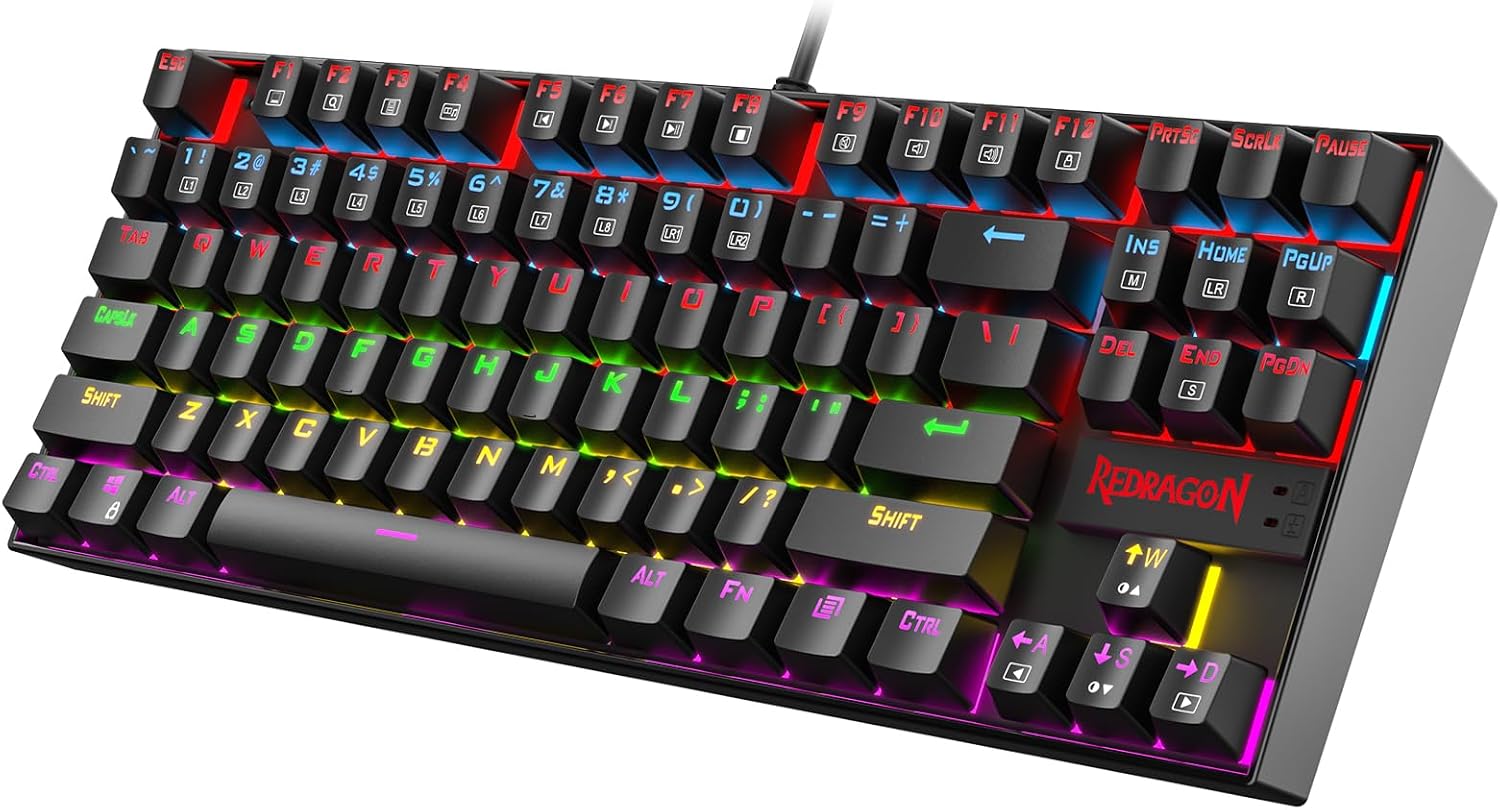
| Redragon K552 | Mechanical | TKL 87-key | Wired | ~$30–$40 |
| Corsair K55 RGB PRO | Membrane + macros | Full-size | Wired USB-A | ~$40 |
Best overall gaming value: AULA F75 Pro
Buy this if you want wireless freedom, gasket-ish dampening, and a knob without leaving the budget.
The F75 Pro dominates late-2026 “under $100” roundups: tri-mode, hot-swap Reaper linears, side-printed PBT, and a media/RGB knob. Use 2.4 GHz for games; Bluetooth for tablets. Side-legend caps take a day to learn if you peek-type.
Best brand-name mechanical: Logitech G413 SE
Buy this if you want aluminum feel, PBT caps, and Logitech reliability for FPS + work.
G413 SE keeps things simple: tactile mechanical switches, white LED, 6-KRO anti-ghosting, brushed aluminum deck. No flamboyant RGB zones — a feature if you hate rainbow vomit. Often dips well under $70 on sale.
Best cheap TKL: Redragon K552
Buy this if you need a compact mechanical board for a small desk and a tiny budget.
The long-running K552 (Kumara) is still the “first mechanical” starter: LED, red-style switches, TKL footprint. Build is plastic and loud — expect to outgrow it — but it teaches layout preferences cheaply.
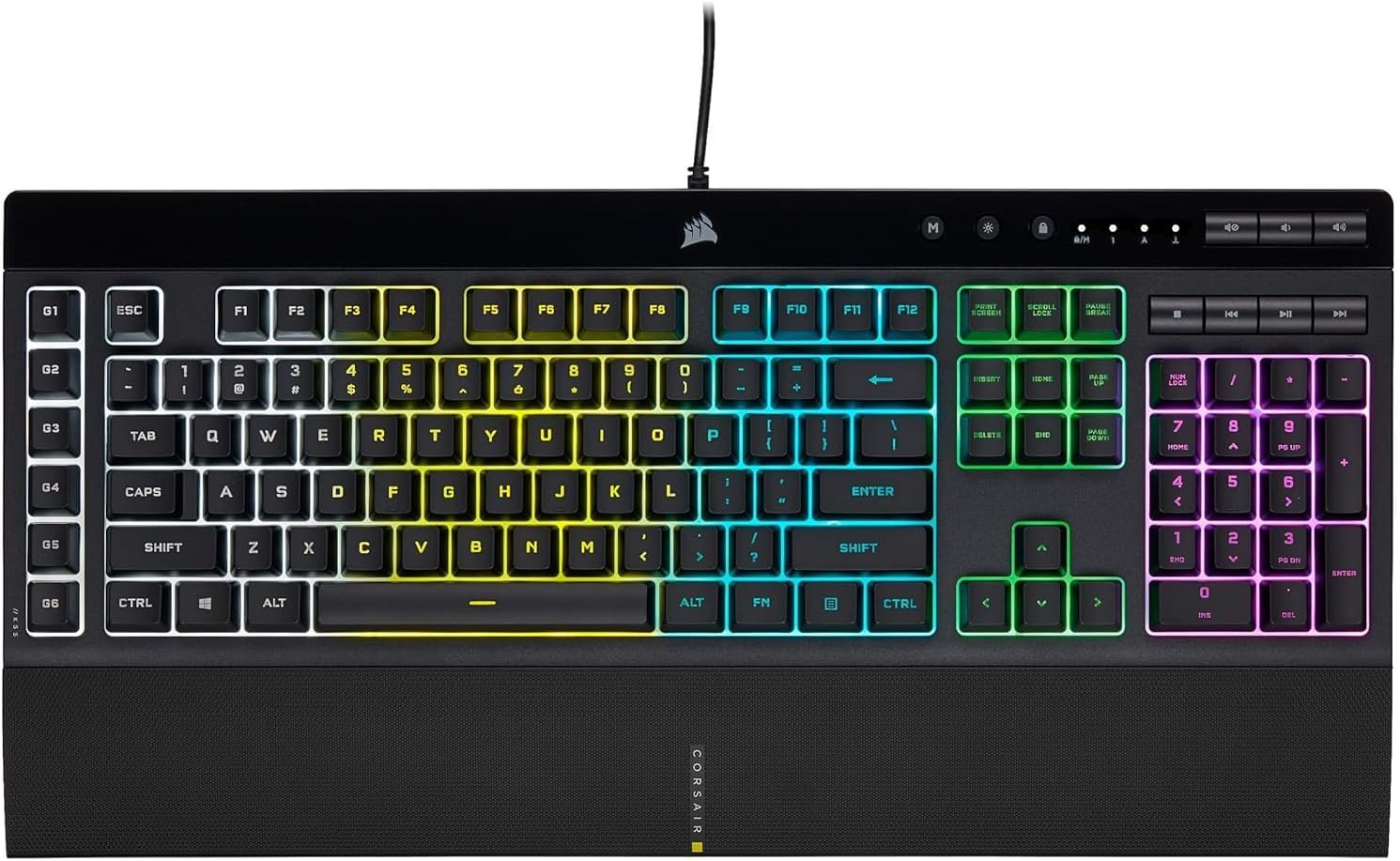
Best quiet macros / streaming: Corsair K55 RGB PRO
Buy this if you want six dedicated macro keys, media controls, and a quieter membrane stack.
Not a mechanical board — and that’s the point for apartments and late-night streams. iCUE + Elgato-friendly macros, IP42 spill resistance, detachable wrist rest. Skip if you specifically want clicky mechanical feedback.
Ranking criteria
- Competitive input reliability (wired / 2.4 GHz)
- Desk footprint vs mouse space
- Switch feel for long sessions
- Software that doesn’t fight you
- Street price under $100
Verdict
| Use case | Pick |
|---|---|
| Best overall under $100 | AULA F75 Pro |
| Best brand mechanical | Logitech G413 SE |
| Best cheap TKL | Redragon K552 |
| Best quiet macros | Corsair K55 RGB PRO |
| Want QMK office typing? | See mechanical keyboards under $100 |
Skip: “optical Hall effect rapid trigger” claims under $40 from unknown brands with no firmware trail.
FAQ
Wireless for ranked FPS?
Prefer 2.4 GHz dongle or wired. Bluetooth is fine for indie / casual.
Membrane vs mechanical?
Mechanical feels better for most gamers; membrane (K55) is quieter and cheaper to replace after spills.
Can I hot-swap the G413 SE?
No — fixed switches. Choose AULA/RK-style boards if you want to experiment.