Intro
Under $50 in late September 2026, you can still buy HERO / HyperSpeed-class sensors that used to cost flagship money. We cap this guide at $50 because that’s where conversion and choice peak — stretch to $75 only if a Viper V3 HyperSpeed-class sale appears.
Filed under SpecRel Laptops as a Computer accessory guide. Specs from Logitech G / Razer pages and Amazon listings.
What matters under $50
- Sensor — modern optical with no acceleration nonsense; 8K–18K DPI marketing > usable 400–1600 DPI aim.
- Weight & shape — claw/fingertip vs palm; try returns if shape fights you.
- Wireless — LIGHTSPEED / HyperSpeed 2.4 GHz ≈ wired for latency; Bluetooth is the endurance mode.
- Switches — double-click failure is the #1 longevity complaint — buy from return-friendly retailers.
- Software — G HUB / Synapse for DPI stages and button maps; onboard memory helps LAN travel.
Spec table
| Model | Connection | Sensor / DPI | Weight class | Buttons | Approx. street |
|---|---|---|---|---|---|
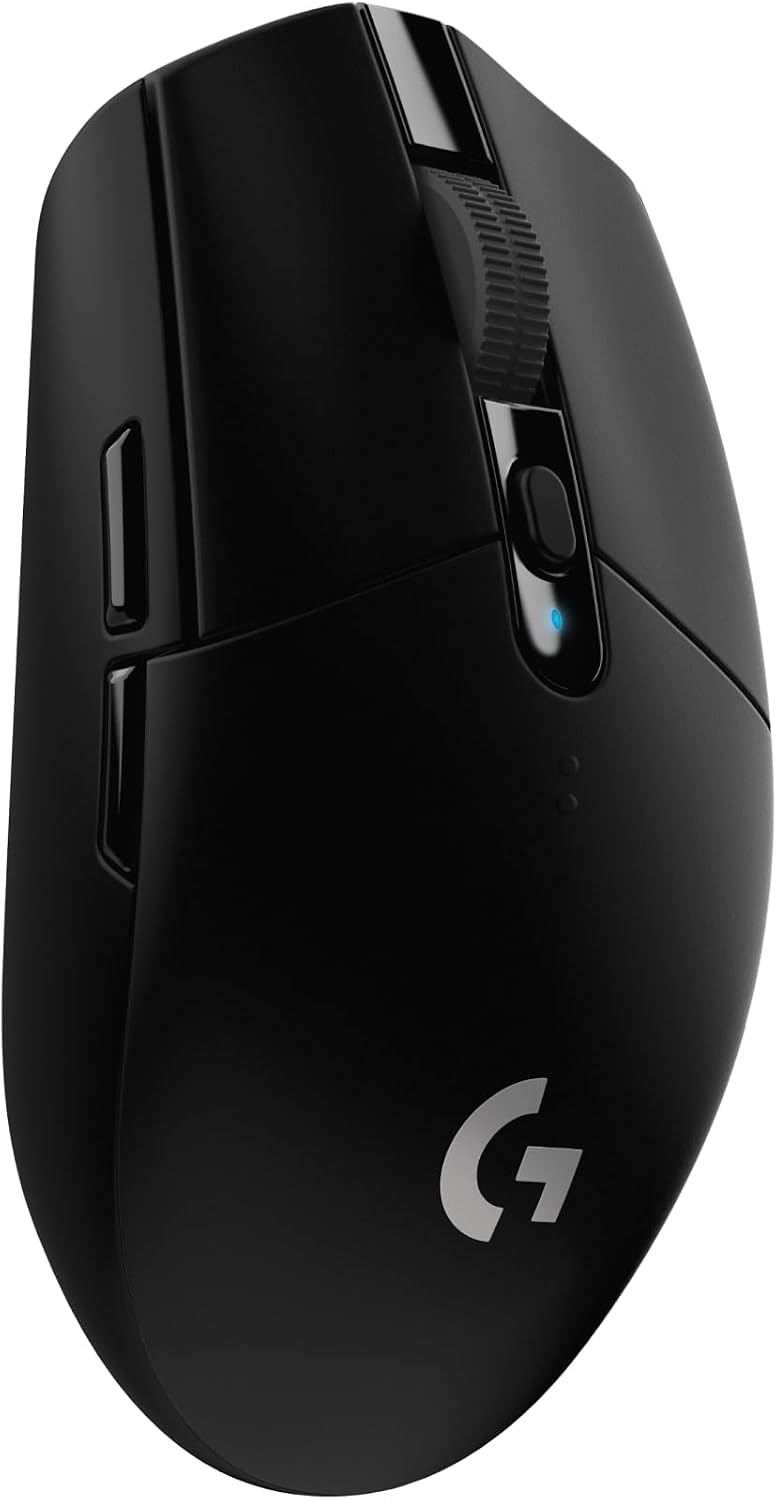
| Logitech G305 | LIGHTSPEED 2.4 GHz | HERO up to 12K | ~99 g w/ AA | 6 | ~$30 |
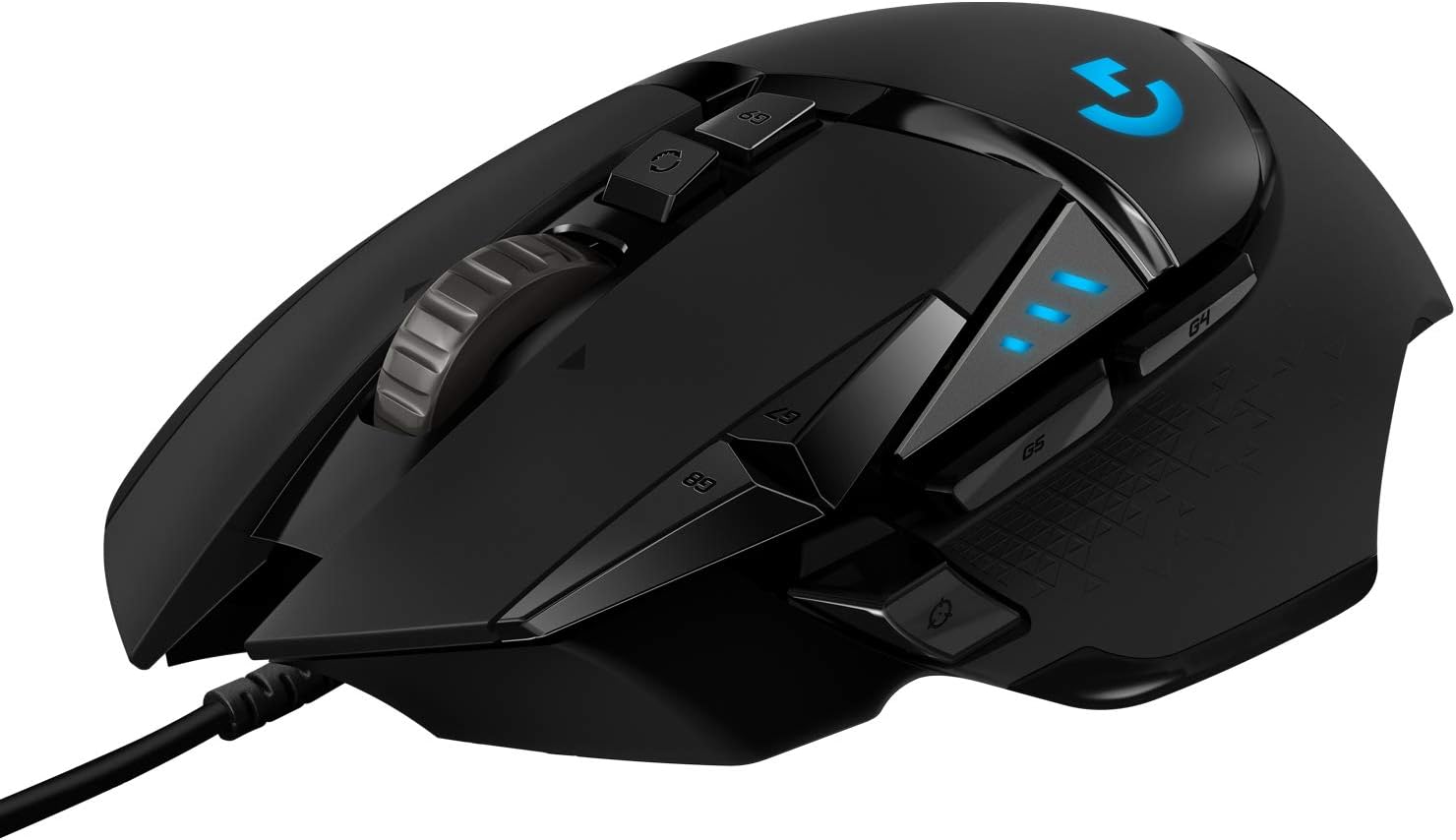
| Logitech G502 Hero | Wired | HERO up to 25.6K | Heavy + tunable weights | 11 | ~$38 |
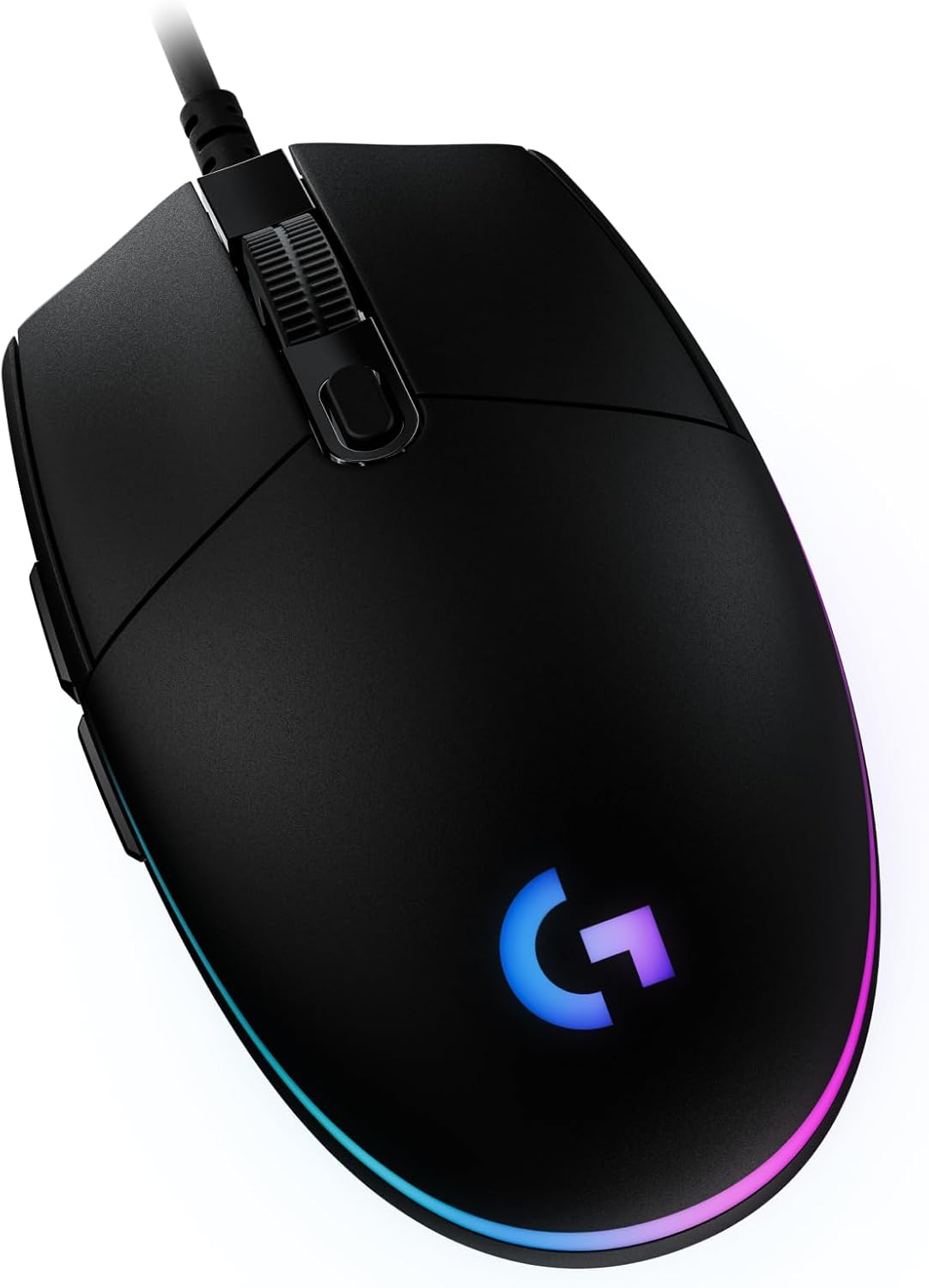
| Logitech G203 | Wired | up to 8K | Light wired | 6 | ~$20–$25 |
| Razer Orochi V2 | HyperSpeed + BT | up to 18K | ~60 g ex-battery | 6 | ~$35 |
Best overall under $50: Logitech G305 LIGHTSPEED
Buy this if you want flagship-family wireless without a $150 Superlight tax.
The G305 is still the chart king: HERO tracking, 1 ms LIGHTSPEED, months on a AA (or lighter with AAA adapter), nano receiver storage. Shape is compact — great for medium/small hands and laptop bags. Disable Windows “Enhance pointer precision.”
Best MMO / many buttons: Logitech G502 Hero
Buy this if you want a sniper button, hyper-scroll toggle, and adjustable weights.
Wired G502 Hero remains the best-selling shape for large hands and Destiny/WoW-style click farms. It’s heavy on purpose — skip for low-sens flick FPS if you want a featherweight.
Best cheap wired RGB: Logitech G203 LIGHTSYNC
Buy this if you need a reliable six-button mouse for $25 or less.
G203 is the wired sibling vibe to the G305 egg shape: LIGHTSYNC RGB, onboard memory, simple G HUB support. Perfect starter or LAN spare.
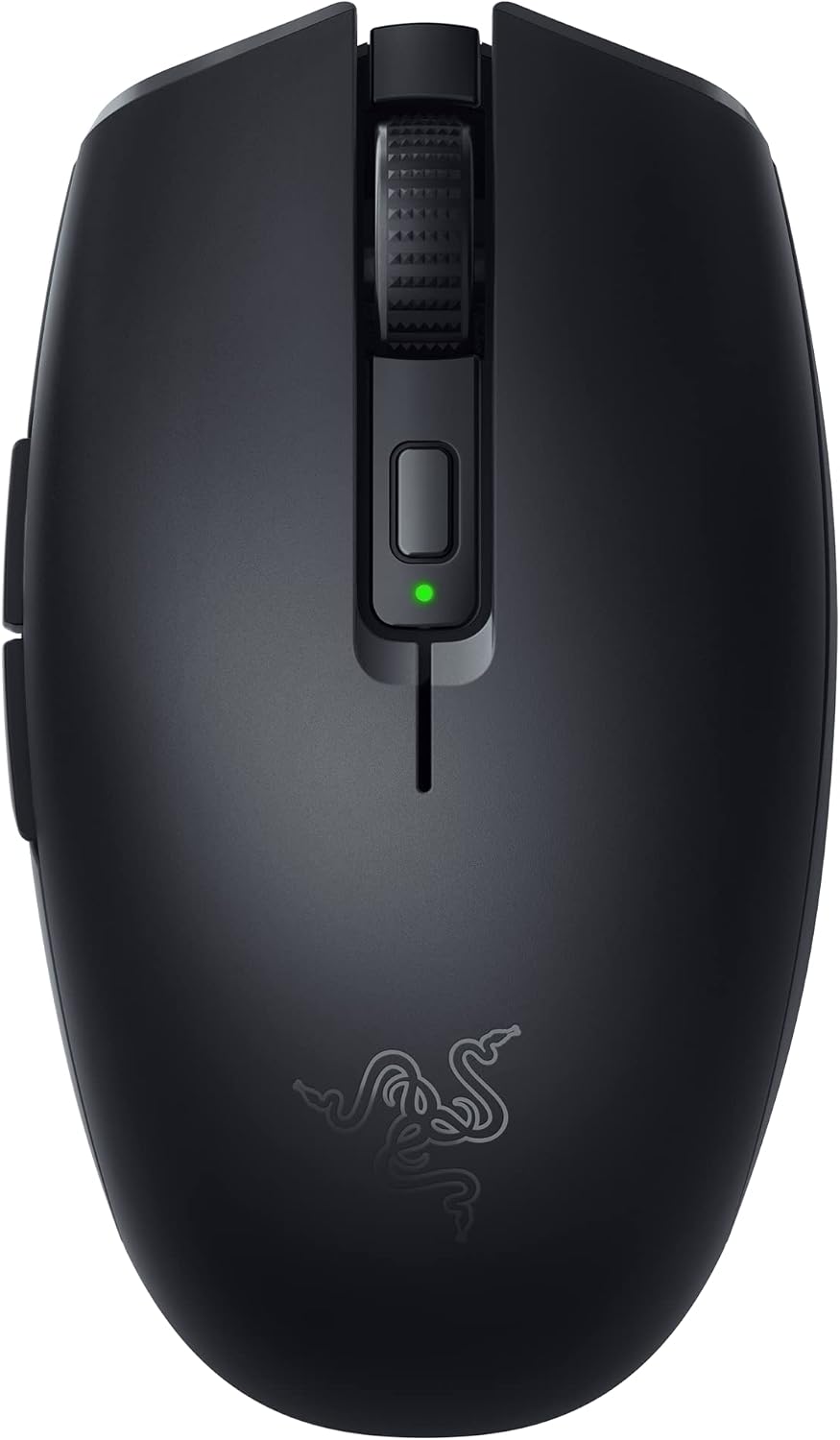
Best lightweight wireless: Razer Orochi V2
Buy this if weight and dual-mode wireless matter more than logos.
Orochi V2 pairs HyperSpeed gaming with Bluetooth endurance (hundreds of hours). Sub-60 g without the cell; AA/AAA hybrid slot. No Chroma RGB (battery is the priority). Compact shape — try before you commit if you have large palms.
Ranking criteria
- Sensor consistency on cloth pads
- Click feel + double-click longevity risk
- Shape comfort for your grip
- Wireless reliability when claimed
- Street price staying under $50
Verdict
| Use case | Pick |
|---|---|
| Best overall under $50 | Logitech G305 |
| Best many buttons | Logitech G502 Hero |
| Best cheap wired | Logitech G203 |
| Best lightweight wireless | Razer Orochi V2 |
| Stretch if… | Competitive FPS — watch for Viper V3 HyperSpeed-class sales near $50–$60 |
Skip: 26,000 DPI gimmick mice under $15 with no brand warranty; “silent click” office mice sold as esports gear.
FAQ
Do I need 25K DPI?
No. Most players live at 400–1600 DPI. Higher max DPI is headroom, not a skill unlock.
AA battery vs rechargeable?
G305/Orochi use swappable cells — no soldered pouch to die in two years. Keep a spare lithium AA in the bag.
Wired vs wireless latency?
Modern 2.4 GHz gaming links are effectively tied with cables for human reaction times. Prefer reputable LIGHTSPEED/HyperSpeed over bargain Bluetooth-only “gaming” mice.